How to Generate Production-Ready SVG Mockups with Python
Building automated product customizer workflows often breaks down when you need to export clean SVG files programmatically. This python svg exporter solves the common pain points of generating production-ready mockups without manual intervention.
The Manual Way (And Why It Breaks)
Creating product mockups manually means opening design software, positioning each element pixel-perfect, exporting individual components, then combining them in an editor. When you're building print on demand applications, this process doesn't scale—you can't manually create hundreds of design variants or automate customer customizations. Your team spends hours on repetitive tasks that should run automatically, and any design change requires starting from scratch. The mockup generator workflow becomes a bottleneck when you need to handle bulk orders or dynamic customer inputs efficiently.
The Python Approach
This lightweight snippet demonstrates the core concept behind automated SVG manipulation for design workflows:
import xml.etree.ElementTree as ET
from pathlib import Path

def add_text_to_svg(svg_path, text_content, x, y, font_size=16):
    """Add text element to existing SVG template"""
    tree = ET.parse(svg_path)
    root = tree.getroot()

    # Create new text element
    text_elem = ET.SubElement(root, 'text')
    text_elem.text = text_content
    text_elem.set('x', str(x))
    text_elem.set('y', str(y))
    text_elem.set('font-size', str(font_size))
    text_elem.set('fill', 'black')

    return tree

def save_svg(tree, output_path):
    """Export cleaned SVG without editor metadata"""
    tree.write(output_path, encoding='utf-8', xml_declaration=True)
This approach handles basic text placement and clean export, but lacks advanced features like image scaling, layer management, and batch processing that production code requires.
What the Full Tool Handles
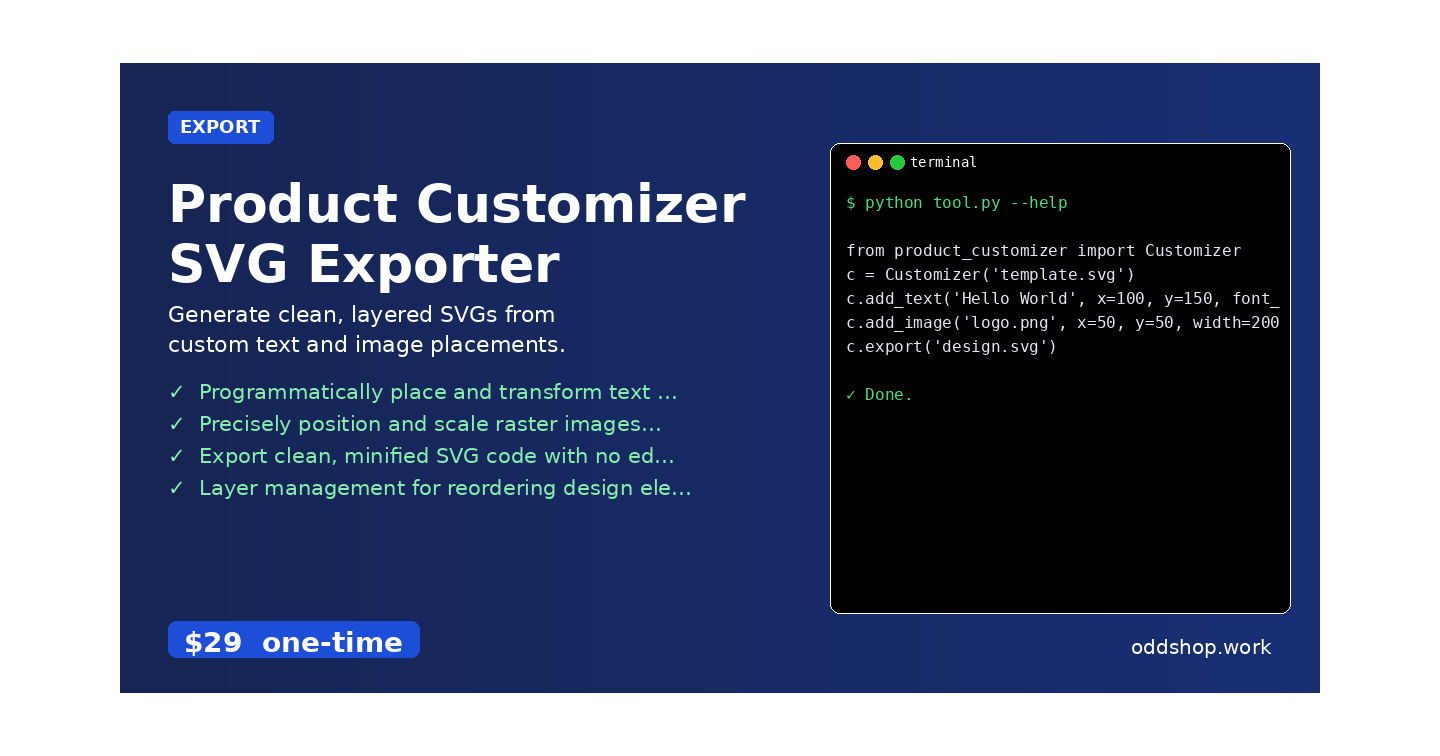
• Programmatically place and transform text on SVG templates with precise positioning controls
• Precisely position and scale raster images (PNG, JPG) within SVG containers while maintaining aspect ratios
• Export clean, minified SVG code with no editor metadata for production use
• Layer management for reordering design elements before final export
• Batch processing to generate multiple design variants from single templates
The complete python svg exporter handles all these scenarios with a simple API that integrates directly into your existing workflows.
Running It
from product_customizer import Customizer
c = Customizer('template.svg')
c.add_text('Hello World', x=100, y=150, font_size=24)
c.add_image('logo.png', x=50, y=50, width=200)
c.export('design.svg')
The export method generates clean SVG files optimized for print on demand services, removing unnecessary metadata and grouping elements properly for downstream processing.
Get the Script
Skip the build process and get production-ready code immediately.
Download Product Customizer SVG Exporter →
$29 one-time. No subscription. Works on Windows, Mac, and Linux.
Built by OddShop — Python automation tools for developers and businesses.